
From inventory
to loading plan.
Import your inventory, pack containers, map the space, and go straight to a print-ready PDF. Build a clear packing plan without CAD or drafting skills.
Built for iPhone, iPad, and Mac.

The typical PackMap Studio workflow
-
1
Import inventory
Bring in CSV, XLSX, or ODS and review the rows.
-
2
Pack containers
Start from saved Library containers, then Auto Pack items.
-
3
Map the space
Drag, stack, multi-select, or Auto Pack the loading space.
-
4
Print the PDF
Run the final checks, then print or save the finished plan.
A typical job, without the detour.
Bring in the inventory. Reuse known container setups. Pack the space visually. Print or save the PDF.
-

1 Import inventory
Bring in CSV, XLSX, or ODS and review the rows.
-

2 Pack containers
Start from saved Library containers, then Auto Pack items.
-
3 Map the space
Drag, stack, multi-select, or Auto Pack the loading space.
-

4 Print the PDF
Run the final checks, then print or save the finished plan.
Pack by hand.
Or go faster with Auto Pack.
Choose the approach that fits the job. Drag, rotate, and stack loads by hand for complete control, or use Auto Pack for a quick starting arrangement. Mix both in the same plan and keep adjusting until the map matches the real load.
Share your plan with the team
Customize your paperwork with your company details. Share it with the team by printing or creating a PDF. If you need a manifest, you can share that too.

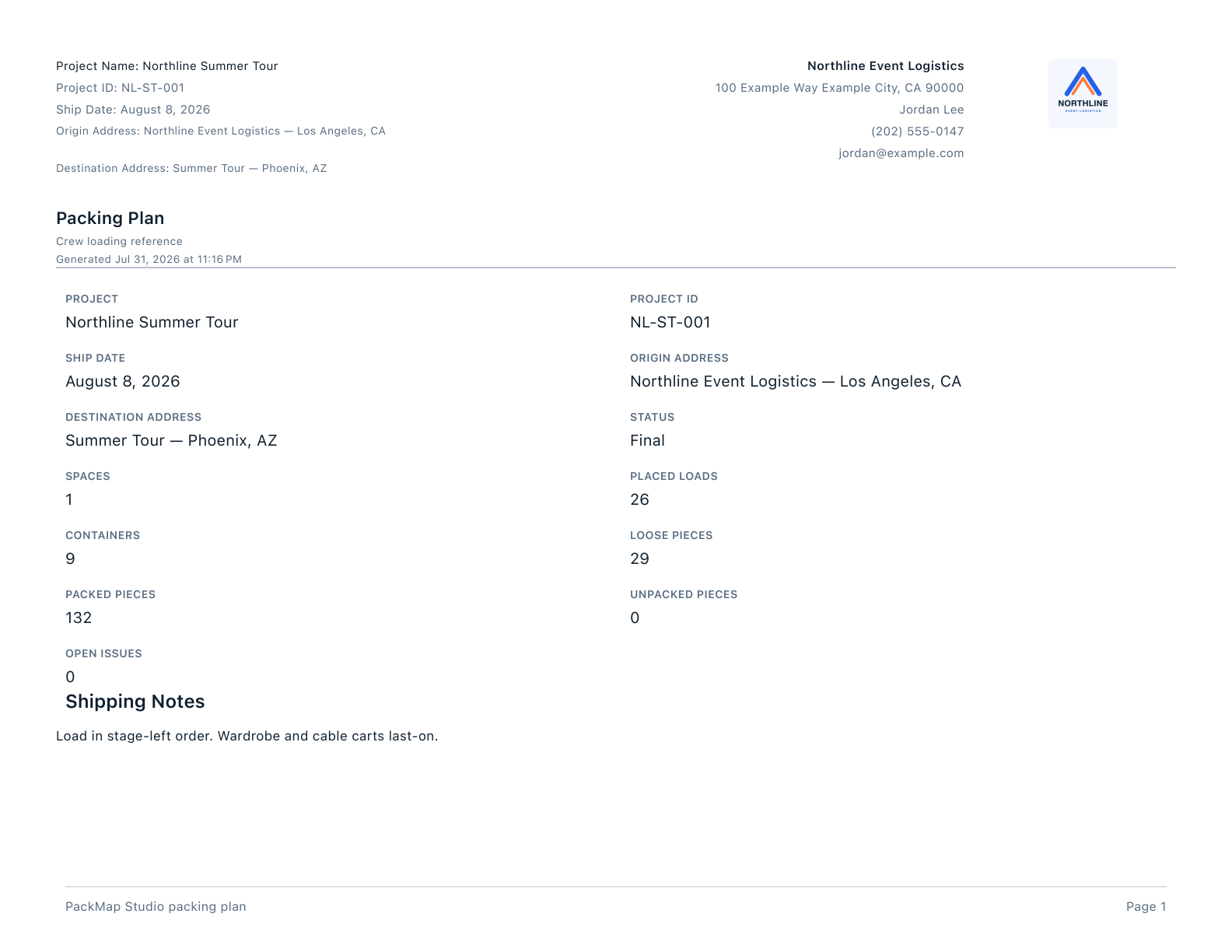
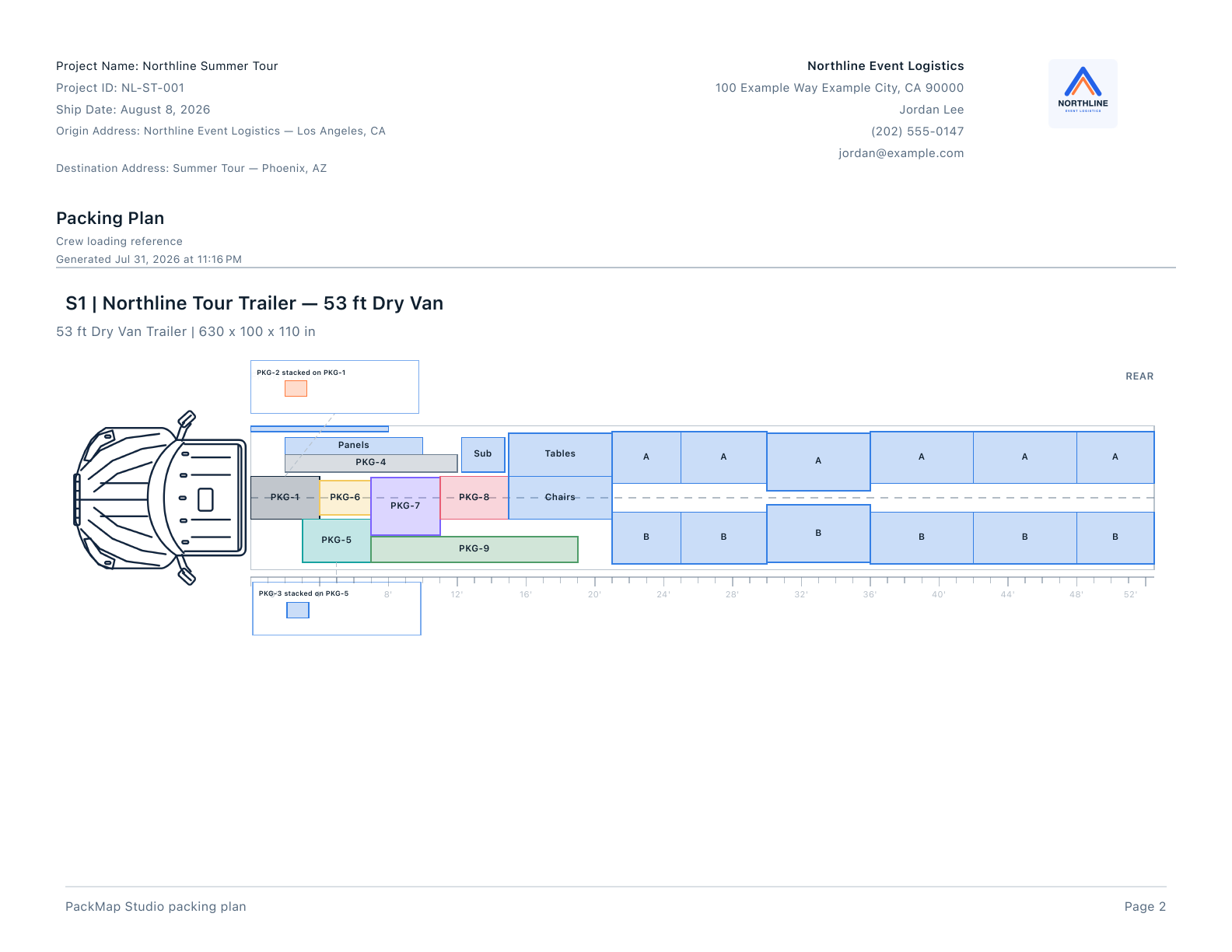
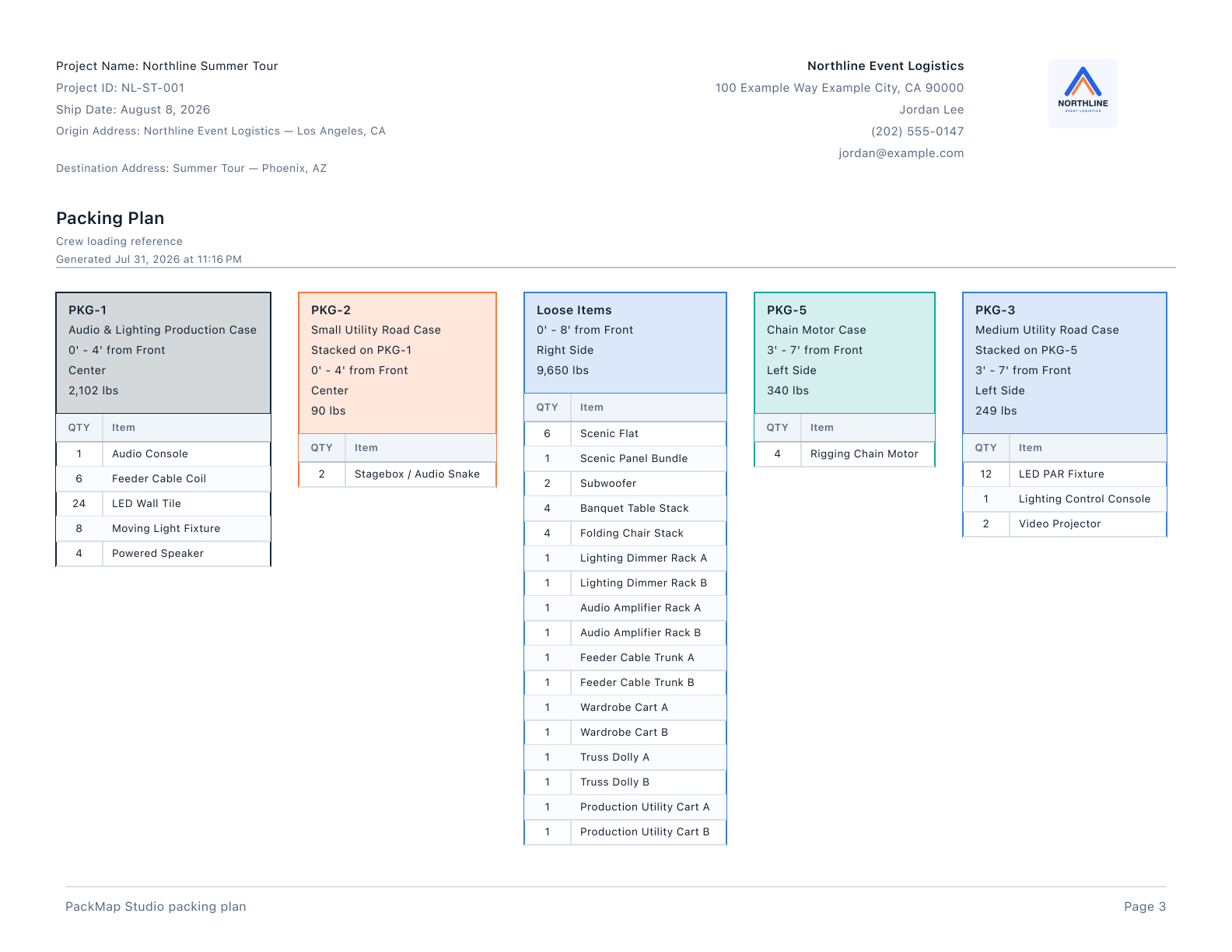
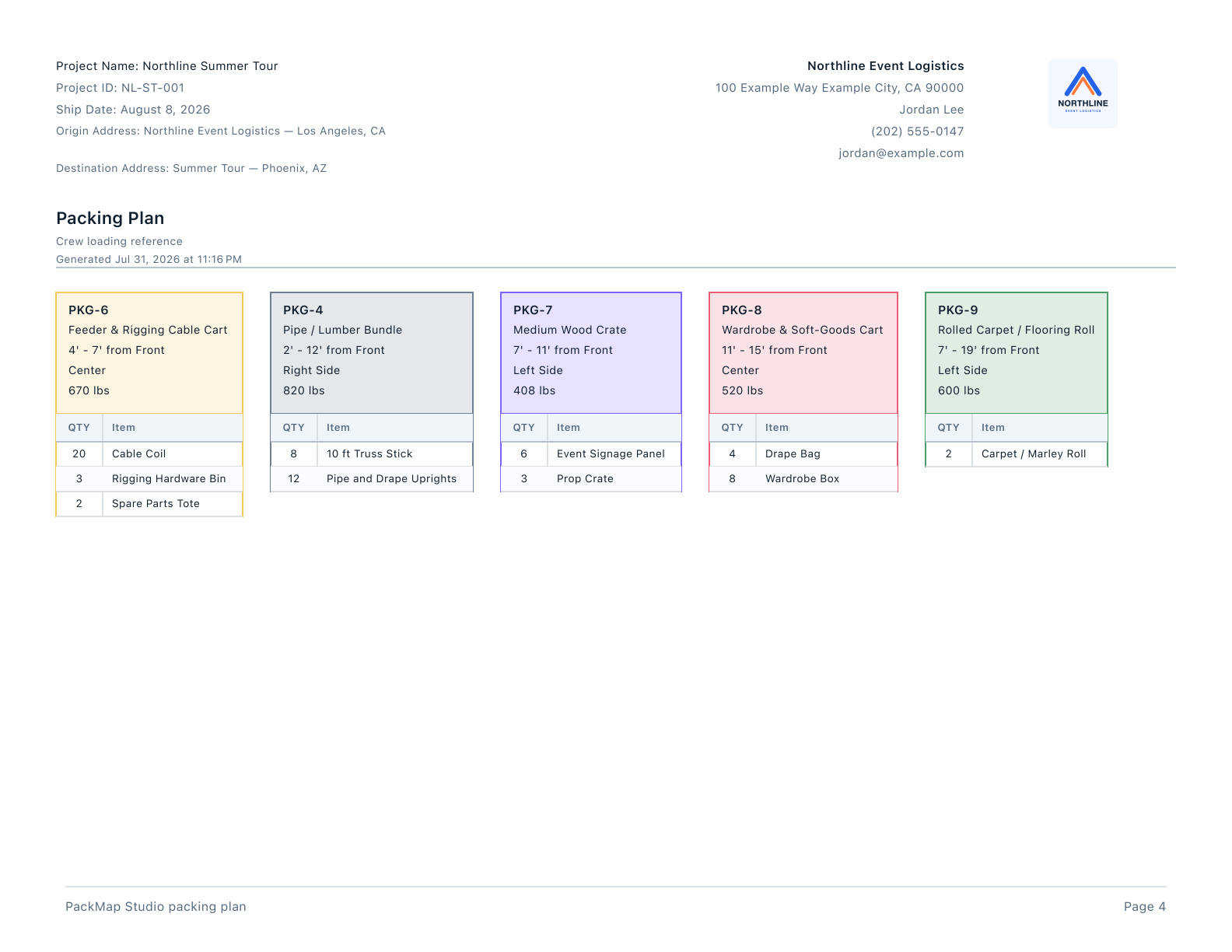
All four pages of the generated Northline packing-plan PDF:
Go deeper when you need to.
The focused clips explain one task at a time. The complete iPad walkthrough is still here when you want every step.
More mapping controls Manual stacking and the completed canvas

Import and review Map columns once, then reuse the setup

Containers and Library Reuse a known container and its saved contents

Full iPad walkthrough Every step, from a new project to the PDF
Your project files stay with you.
Projects stay on your device or in storage you choose. PackMap Studio adds no advertising, tracking, third-party analytics, or nonessential cookies to this website. Videos use YouTube’s privacy-enhanced player; YouTube may receive playback data when you choose to watch one. Read the privacy policy.
Want to try it on a real load?
Email me about your current workflow and what you would want to test.
Email me about the beta